
Personal Info Keeper for iPhone
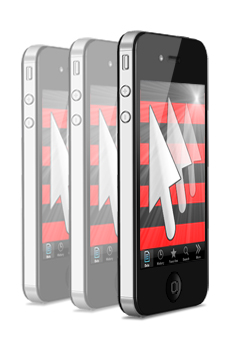 
Current Version: 1.3.0 Requirements: Compatible with iPhone, iPod touch and iPad. Requires iOS 3.1 or later.
|
Personal Info Keeper for iPhone (iPIK) is an application for those who appreciate their time and want to safely store, organize and access different types of personal information in the most convenient way. Use the application to store items such as URLs, passwords, account information, credit card numbers, postal addresses, or other text. iPIK provides a predefined structured template you can use as a sample and a starting point for storing your own personal data. Main features
|
Below are some screenshots of Personal Information Keeper for iPhone to illustrate some of the ways in which you can use the application:
- Organizing Your Personal Information;
- Managing Passwords;
- Storing Iinternet Links;
- Protecting Personal Data;
- Recycle Bin;
- Search Facility;
- Using Windows .pik file in iPIK.
Organizing Your Personal Information
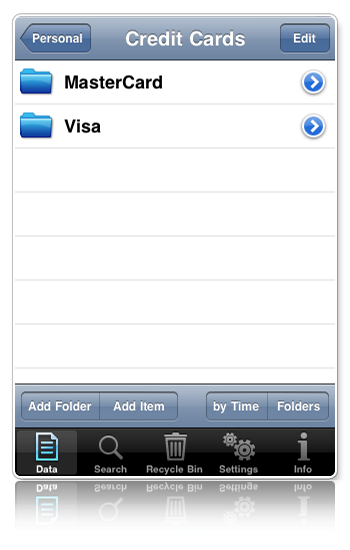
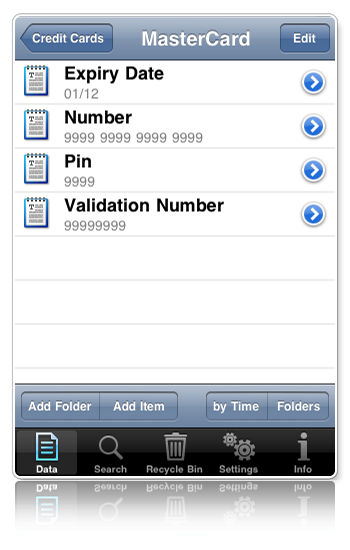
All Personal Info Keeper information is organized in a secure hierarchical structure consisting of folders and items. Each folder can contain any number of other sub-folders and items. For example, you can store all sensitive information regarding one of your credit cards in a single folder.
Managing Passwords
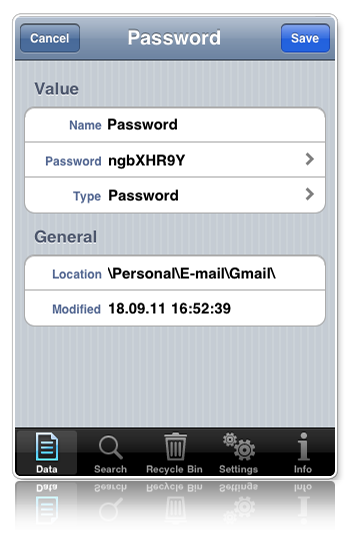
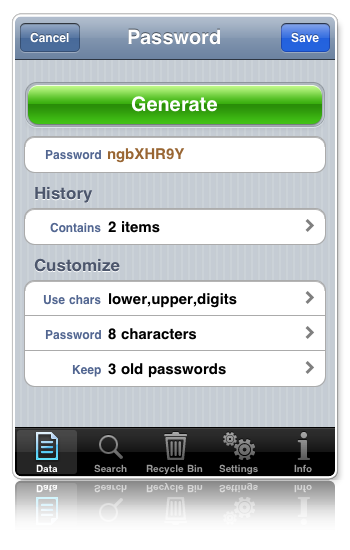
iPIK is the ideal tool for managing your passwords. A new password can be created manually or generated based on rules you have defined. Whenever you create a new password, the previous password is automatically saved in the password's history.
Storing Internet Links
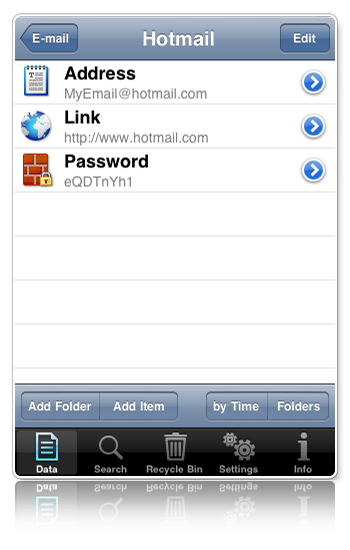
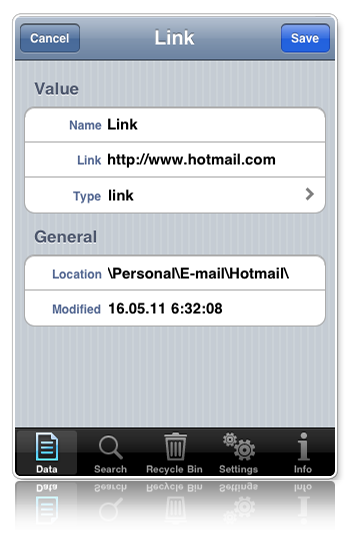
You can store a URL for an Internet page you visit often. In the same folder, you may want to store additional information such as a userID, password, and so on, which are required to visit a protected page. The URL can be opened directly from iPIK by tapping the linked item.
Protecting Personal Data
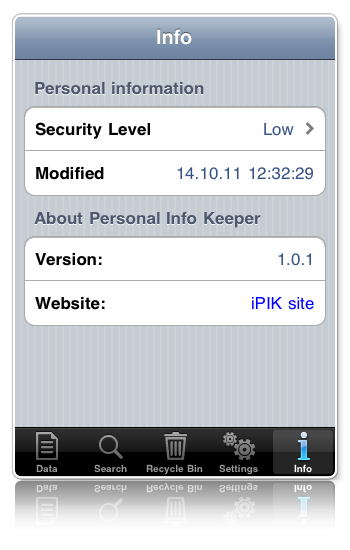
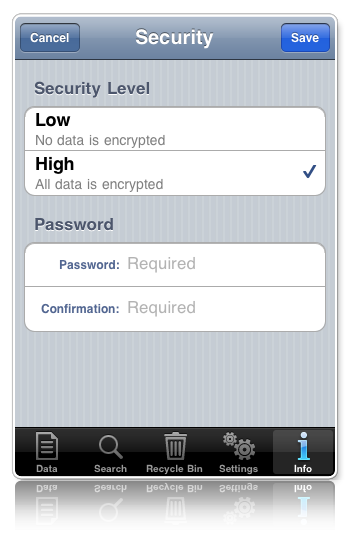
You can choose either a security level of "Low", in which no data is encrypted, or a security level of "High", in which all data is encrypted. Storing data in an encrypted format requires you set up a master password to access your data.
Caution. If your master password is ever lost, access to your personal information cannot be restored.
Recycle Bin
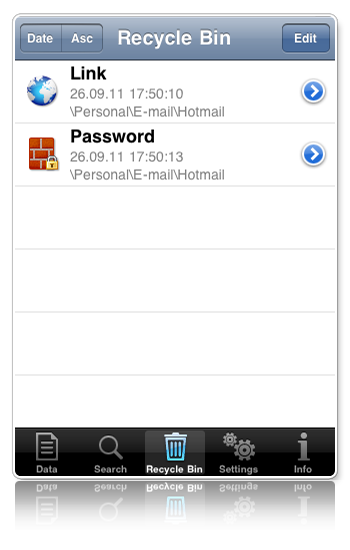
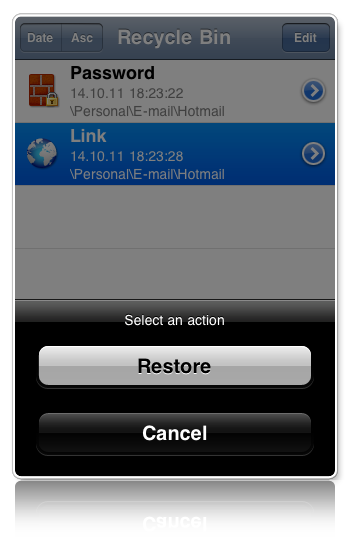
When you delete an item or a folder from your personal information structure, by default, iPIK places it in the Recycle Bin. This provides a safety net when deleting items or folders in Personal Info Keeper as you can restore them back to their original location.
Search Facility
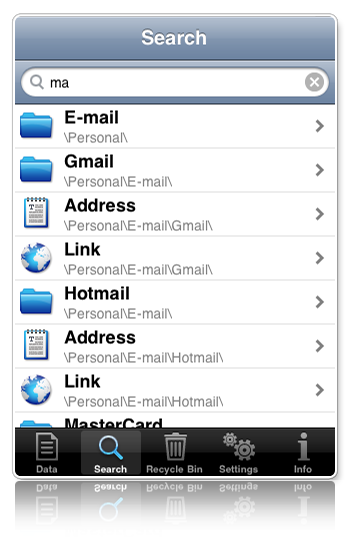
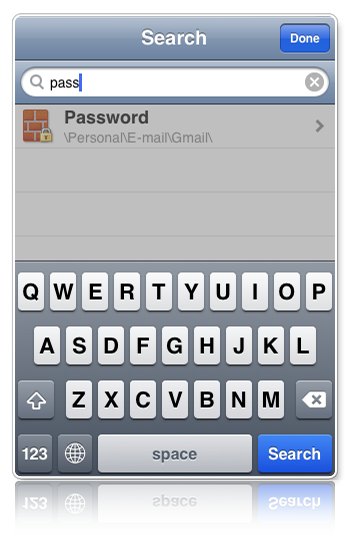
You can use iPIK’s search facility to search for the name of a folder, the name of an item, or the text contained within the value of an item.
Using Windows .pik file in iPIK
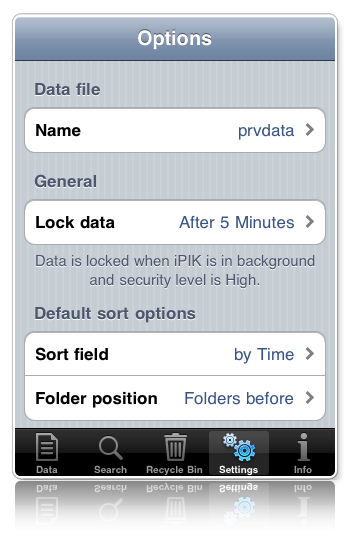
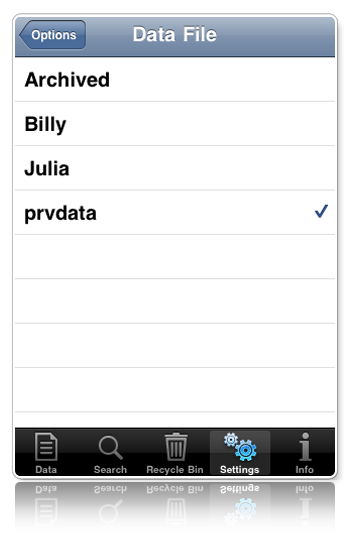
If you have a private data file created in Personal Info Keeper for Windows, then you can transfer it to iPIK. For this launch iTunes on your computer, add your PIK file into Shared files for iPIK application. Then start iPIK, go to Settings view and select the file transferred as current Data file.
Note. To find out name and location of your Windows PIK file, use PIK menu File->Properties.

Technical Support
High Criteria provides free and fast technical support for all users of the Personal Info Keeper for iPhone application. If you encounter a problem with the application, e-mail us at support@highcriteria.com. If you have any suggestions regarding our applications, please do not hesitate to contact us.
Personal Info Keeper for Windows
Personal Info Keeper organizes all your personal information in a convenient tree view, manages passwords and account login information, and allows you to instantly "drag and drop" this data into Web forms and Windows applications. Get more information...
The graphic was obtained using the 3D model of iPhone from Mani Razaghi's web site: www.manirazaghi.com